Adjustable screen positioning and more usable desk space
Stop Letting Your Monitor Stand Decide Where Your Screen Has to Sit
The stand supplied with your monitor may be perfectly stable, but it often
gives you very little control over screen height, viewing distance or angle.
The Computer Monitor Arm - Single lifts your monitor away
from its original desk stand and gives you far more freedom to position the
screen around your body, desk and daily work.
Tilt, swivel and rotate your screen, move it into portrait or landscape
orientation, and reclaim the desk space normally occupied by a large
monitor base.
Your screen should be positioned around you, not the limitations of its original stand.
The adjustable arm gives you more control over screen position while the
desk-clamp design keeps the area underneath your monitor available for the
rest of your workstation.
A Simple Way to Make Your Monitor Setup More Flexible
↕
Adjust Your Viewing Position
Reposition the monitor rather than adapting your sitting position around
a screen that is too low, too close or at an inconvenient angle.
32"
Supports 13–32" Monitors
Designed for a wide range of common desktop monitor sizes, subject to
the weight and VESA requirements.
↻
Full-Motion Adjustment
Tilt, swivel and rotate the screen to suit different tasks, viewing
positions and portrait or landscape layouts.
□
Free Up Desk Space
Remove the monitor's original base from the desktop and reclaim valuable
working space underneath the screen.
Why Use a Monitor Arm Instead of the Stand That Came with Your Screen?
Standard monitor stands vary enormously in how much adjustment they provide.
Some only tilt. Others offer limited height adjustment. Many simply place
the screen at a fixed height that may or may not suit the person using it.
A monitor arm gives you more flexibility to position the screen around your
workstation rather than changing your chair or sitting position to accommodate
the monitor.
It also removes the monitor's original stand from the desk surface, which
can create considerably more usable space on smaller desks.
Position the Screen Where You Naturally Want to Look
Your primary monitor should generally sit in front of you so you can view
the screen without repeatedly turning, lifting or lowering your head.
A monitor arm lets you fine-tune the screen position around your normal
seated posture.
-
Adjust the screen height
-
Bring the monitor closer or move it further away
-
Change the viewing angle
-
Reposition the screen as your workstation changes
-
Switch between portrait and landscape
-
Keep your main screen centred in front of you
i
There is no single perfect monitor position for everyone.
Adjust the screen so you can comfortably view your normal working area
without repeatedly craning your neck or leaning towards the display.
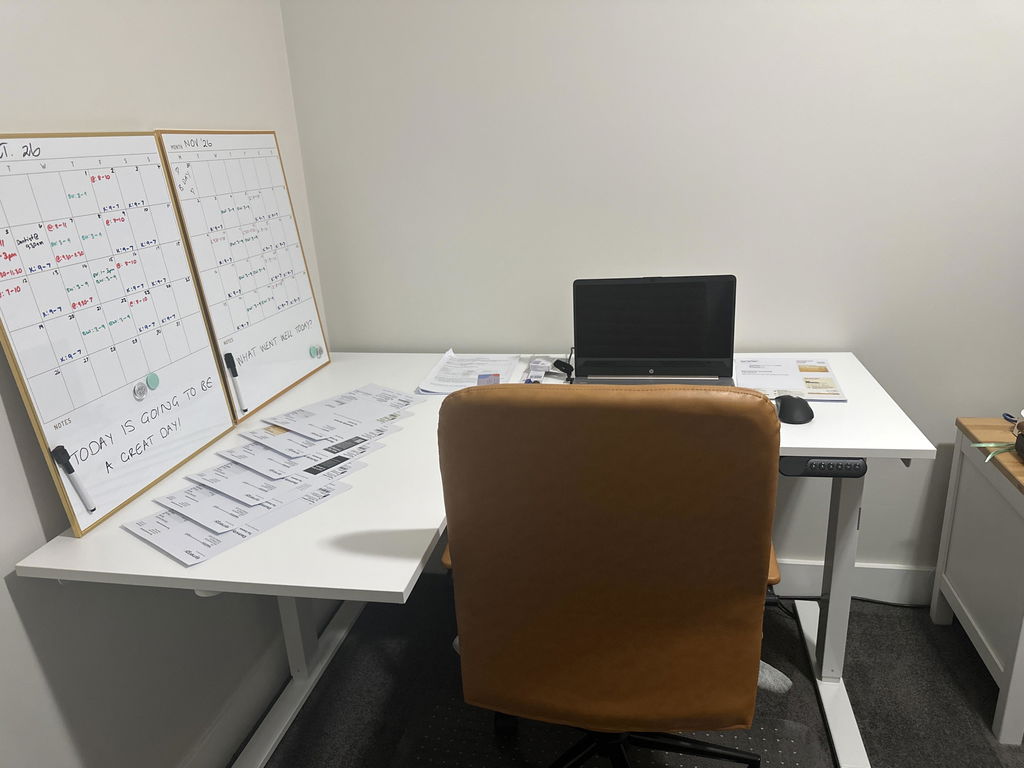
Reclaim the Space Under Your Monitor
Large monitor bases can occupy a surprising amount of useful desk space.
By supporting the screen from the back edge of the desk, the monitor arm
removes the original stand from the work surface.
That can give you more room for documents, notebooks, a keyboard, docking
equipment or simply a cleaner and less crowded workstation.
Home Offices
Corporate Desks
Compact Workspaces
Creative Workstations
Tilt, Swivel and Rotate the Screen
Different tasks can benefit from different screen positions.
↕
+90° to -90° Tilt
Adjust the vertical viewing angle to suit the height and position of
your screen.
↔
180° Swivel
Turn the screen horizontally when you need to change your viewing angle
or share the display.
360
360° Rotation
Rotate the monitor to support different screen orientations and workflows.
↕
Portrait or Landscape
Change orientation when portrait viewing better suits documents, coding,
reading or specialised applications.
Need More Vertical Screen Space?
The monitor can be rotated between landscape and portrait orientation,
provided your monitor and cable setup allow it.
Portrait orientation can be useful for tasks involving long documents,
coding, webpages, reports or other vertically organised content.
Rotate back to landscape whenever a wider view better suits the work you
are doing.
Check before ordering
Monitor Size Alone Does Not Confirm Compatibility
A 13–32" screen can only be mounted if it also meets the
weight and VESA mounting requirements.
Before ordering, check the specifications on the back of your monitor
or in the manufacturer's manual.
Your monitor must weigh between 2kg and 9kg and support
either a 75 × 75mm or 100 × 100mm VESA mounting pattern.
What Is VESA Compatibility?
VESA refers to the standard spacing between the mounting holes on the back
of a compatible monitor.
This monitor arm supports the two common patterns:
-
75 × 75mm VESA
-
100 × 100mm VESA
Look at the back of your monitor for four mounting holes arranged in a
square pattern, then confirm the spacing in your monitor specifications.
i
Can't see mounting holes?
Some monitors hide the VESA mounting points behind the original stand or
a removable rear panel. Check the manufacturer's specifications before
assuming the monitor is not VESA compatible.
Check the Monitor Weight Too
The arm is designed for monitors weighing between
2kg and 9kg.
Check the weight of the monitor itself, ideally without its original desk
stand, rather than relying solely on screen size.
Two 32-inch monitors can have very different weights, so screen dimensions
should never be used as the only compatibility check.
Secure Desk-Clamp Mounting
The monitor arm attaches to the desk using a clamp at the edge of the work
surface.
This avoids placing a large monitor base in the middle of your desk and
allows the arm to support the screen from behind your workstation.
Before installation, make sure your desk provides a suitable, stable edge
for the clamp and that there is enough clearance around the mounting position.
Check your desk too
Not Every Desktop Is Suitable for a Clamp Mount
The clamp needs a solid and accessible desk edge.
Desks with unusual rear panels, thick framing, enclosed cable channels,
fragile surfaces or limited clearance underneath may require additional
consideration before installation.
Who Is This Monitor Arm Best Suited To?
Office Workers
Home Offices
Developers & Programmers
Designers & Creatives
It is particularly useful when your existing monitor stand does not give
you enough adjustment, your desk is short on usable space or you regularly
change the position or orientation of your screen.
Useful for More Than One Type of Work
-
General office work
-
Coding and development
-
Graphic design
-
Video editing
-
Data analysis
-
Trading workstations
-
Gaming setups
-
Compact home offices
Set Up the Screen Around Your Normal Working Position
1
Set Your Chair and Desk Position
Get comfortable at your workstation first rather than adjusting your
body around the monitor.
2
Bring the Screen to You
Adjust the monitor position so the main viewing area sits comfortably
in front of you.
3
Fine-Tune Height and Angle
Adjust the tilt, swivel and screen orientation until you can view your
work without unnecessary head or body movement.
A Monitor Arm Gives You Adjustment. You Still Need to Set It Up Properly.
Simply installing a monitor arm does not automatically create an ergonomic
workstation.
The advantage is that it gives you much greater control over where the
screen sits.
Use that adjustment to position your main display around your normal
seated posture rather than repeatedly leaning, twisting or looking sharply
upwards or downwards to see your work.
Before removing your monitor stand
Confirm All Three Compatibility Checks
Before ordering, confirm:
-
Your monitor is between 13" and 32"
-
Your monitor weighs between 2kg and 9kg
-
Your monitor uses 75 × 75mm or 100 × 100mm VESA
Product Details
Product Type
Single adjustable monitor arm
Monitor Weight
2kg to 9kg
VESA Compatibility
75 × 75mm and 100 × 100mm
Screen Orientation
Portrait or landscape
Best For
Single-monitor office, home and compact workstation setups
Is This Single Monitor Arm Right for You?
✓
A Strong Choice If...
You use one compatible monitor and want more control over screen
position while freeing up the desktop space occupied by the original stand.
!
Check Another Option If...
Your monitor weighs more than 9kg, uses a different VESA pattern, you
need to mount multiple monitors, or your desk cannot accept a clamp mount.
Not Sure Whether Your Monitor Will Fit?
Use the Ask a Question option on this page and send us your
monitor brand and model number.
Our team can help you check the screen size, monitor weight and VESA pattern
before you order.
✓
1-Year Warranty
The Computer Monitor Arm - Single is covered by a
minimum one-year warranty. If a fault develops during
the warranty period, we'll work with you to arrange repair or replacement
in accordance with our warranty terms.
Put Your Monitor Where You Need It and Get More of Your Desk Back
If your current monitor stand limits your screen position or takes up more
desk space than you would like, this single monitor arm gives you a simple
way to create a more flexible, adjustable and organised workstation.