★★★★★
“
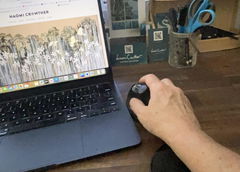
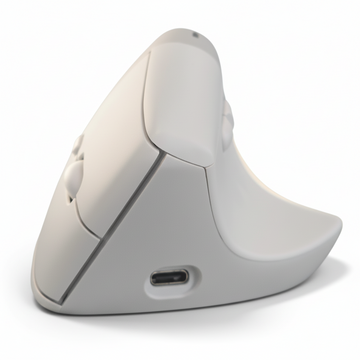
So comfortable takes the stress away from the wrist and arm, highly recommend this mouse.
No More Pain Ergonomics

Work comfortably. Without pain.
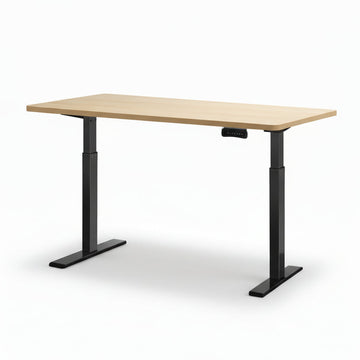
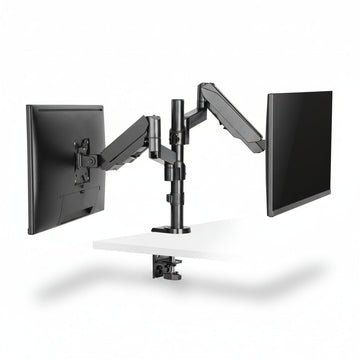
Chairs, standing desks, mice, keyboards and accessories, chosen by our Brisbane team and backed by real advice, so you get the right fit the first time.
Shop by pain point
Start with the discomfort you want to ease and we'll point you to the products that can help.
Browse the range
Customer favourites
The products our customers come back for, and recommend to their colleagues.
 Best seller
 Best seller
 Best seller
 Best seller
Thousands of customers have chosen No More Pain Ergonomics to help make their workday more comfortable.
So comfortable takes the stress away from the wrist and arm, highly recommend this mouse.
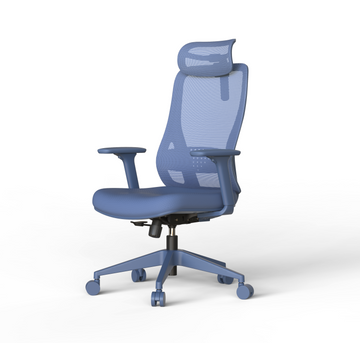
I love my new chair. So comfy and a beautiful colour. Very cool design for an exceptionally reasonable price.

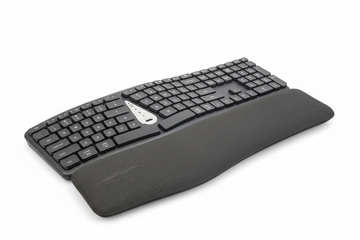
Took a while to get used to but now I love it. My wrists are nice & comfy on the gel pad.
Real feedback from customers using our ergonomic products every day.
See more customer reviews →Who we help
Whether you're improving your own setup or sourcing equipment for others, we can help.
Ergonomic solutions for home offices, workplaces and anyone who wants to work more comfortably.
Shop productsBulk orders, company purchase orders and equipment for your whole team.
Business purchasingOTs, physios, exercise physiologists and osteopaths: product details and support for your clients' assessments.
Talk to our teamInformation and ordering support for self-managed and plan-managed participants.
NDIS information Geebung, BrisbaneVisits by appointment
Brisbane warehouse & showroom
Visit our Geebung showroom to try most of our ergonomic chairs, mice, keyboards and workstation accessories. Let us know what you'd like to see when you book, and we'll have it ready.
Ergonomic advice
Practical guides to help you make better ergonomic choices.
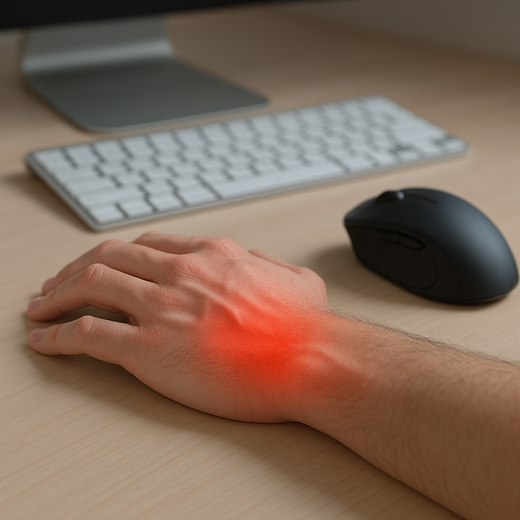 Carpal Tunnel SyndromeThe Hidden Cause of Wrist Pain: How the Wrong Mouse is Hurting Australian Office Workers
Wrist pain after a long day at your desk isn’t “just part of office life” — it’s a warning sign. Most Australians...
Read article
Carpal Tunnel SyndromeThe Hidden Cause of Wrist Pain: How the Wrong Mouse is Hurting Australian Office Workers
Wrist pain after a long day at your desk isn’t “just part of office life” — it’s a warning sign. Most Australians...
Read article
Free, no-pressure advice
Tell us where you feel it and how you work. Our ergonomic team will help you find the right solution.