Designed for small to medium right hands
If Your Mouse Hand Feels Tired by the End of the Day, Change the Way You Hold It
A standard mouse keeps your hand rotated palm-down for hours at a time.
If computer work makes up a large part of your day, that repeated position
can contribute to fatigue and discomfort through the hand, wrist and forearm.
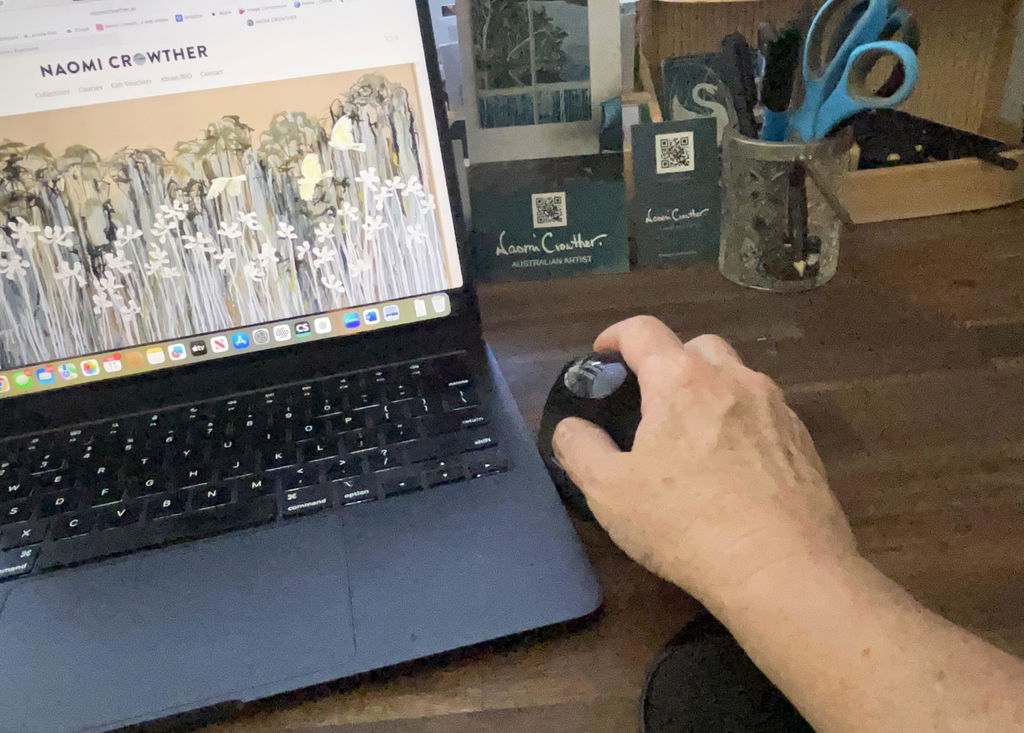
The Elevate Vertical Ergonomic Mouse places your hand in
a more upright, handshake-style position so you can navigate, click and scroll
without using the same palm-down posture as a conventional mouse.
Designed specifically for right-handed users with small to medium hands,
Elevate combines ergonomic positioning with quiet buttons, dual wireless connectivity,
rechargeable power and smooth everyday cursor control.
Your mouse is one of the most-used tools on your desk.
If you're moving and clicking it hundreds or thousands of times each day,
the way your hand sits on that mouse matters. Elevate is designed to give
your hand and forearm a more neutral working position
without sacrificing everyday functionality.
Is Elevate the Right Mouse for You?
Elevate is particularly well suited to people who use a mouse extensively
during their working day and want an alternative to the traditional
palm-down mouse position.
Small–Medium Hands
Right-Handed Users
Long-Hour Computer Work
Wrist & Forearm Fatigue
A customer with an existing arm tendon injury specifically reported that
using the Elevate helped reduce fatigue during their working day.
Why Use a Vertical Mouse?
Place your hand flat on your desk with your palm facing down. Now rotate it
onto its side as though you're about to shake someone's hand.
That's the basic principle behind a vertical mouse.
✓
More Neutral Hand Position
The upright shape reduces the amount your forearm needs to rotate into
the traditional palm-down mouse position.
✓
Designed for Repetitive Mouse Work
Particularly useful for people who spend hours clicking, scrolling and
navigating during computer-based work.
✓
Contoured Grip
The shape supports the hand in the vertical position rather than requiring
you to actively hold your hand upright.
✓
Everyday Mouse Functionality
You still get accurate cursor control, scrolling and thumb navigation
buttons for normal day-to-day computer work.
Mouse Size Matters More Than Most People Realise
An ergonomic mouse only works well if your hand fits it properly.
The Elevate is designed specifically for
small to medium right hands.
This lets your fingers reach the buttons and scroll wheel without excessive
stretching while allowing the palm to sit naturally against the body of the mouse.
If you have a distinctly large hand, another model in our ergonomic mouse
range may provide a better fit.
Designed for the Fatigue That Builds Across a Workday
Hand and forearm discomfort isn't always a sudden sharp pain.
For many computer users, it starts as fatigue — a tired wrist, aching forearm,
tightness through the hand or simply feeling increasingly uncomfortable as
the day goes on.
That's exactly where changing your mouse position can be worthwhile.
Elevate gives you another way to hold and operate your mouse during repetitive
computer work.
i
Already experiencing persistent pain or an injury?
An ergonomic mouse can change your working position, but it isn't a medical
treatment. Consider discussing ongoing symptoms with your physiotherapist,
occupational therapist, hand therapist or other treating health professional.
New to Vertical Mice? Give Yourself a Little Time to Adjust.
A vertical mouse feels different because your hand is literally sitting in
a different orientation.
Your first few movements may feel less automatic than they do with a mouse
you've used for years. That's normal.
Most people quickly become familiar with the new position once the movement
pattern starts to feel natural.
✓
Don't grip it tightly.
Let your hand rest against the mouse and guide it from your arm rather than
squeezing the sides unnecessarily.
Connect the Way That Suits Your Setup
Elevate gives you two wireless connection options, making it easy to integrate
into different computer and workstation setups.
B
Bluetooth
Connect directly to compatible devices without using one of your computer's
USB ports.
U
Wireless USB Receiver
Use the included wireless receiver for simple plug-and-play connectivity
with compatible computers.
Ergonomic Doesn't Mean Giving Up Useful Mouse Features
-
Vertical ergonomic hand position
-
Bluetooth connectivity
-
Wireless USB connectivity
-
Rechargeable battery
-
USB-C charging
-
Quiet-click buttons
-
Forward and back thumb buttons
-
Smooth precision tracking
Quieter Clicking for Shared Workspaces
If you spend all day clicking through documents, spreadsheets, browsers or
software systems, mouse noise can become surprisingly noticeable.
Elevate uses quieter button switches to reduce unnecessary clicking noise,
making it a practical choice for shared offices, home offices and quiet work areas.
Recharge Instead of Replacing Batteries
Elevate uses an integrated rechargeable battery, so you don't need to keep
disposable AA or AAA batteries on hand.
Simply recharge the mouse using the included
USB-C charging cable.
That makes it particularly convenient as an everyday work mouse that remains
permanently set up at your workstation.
Get the Most from Your Vertical Mouse
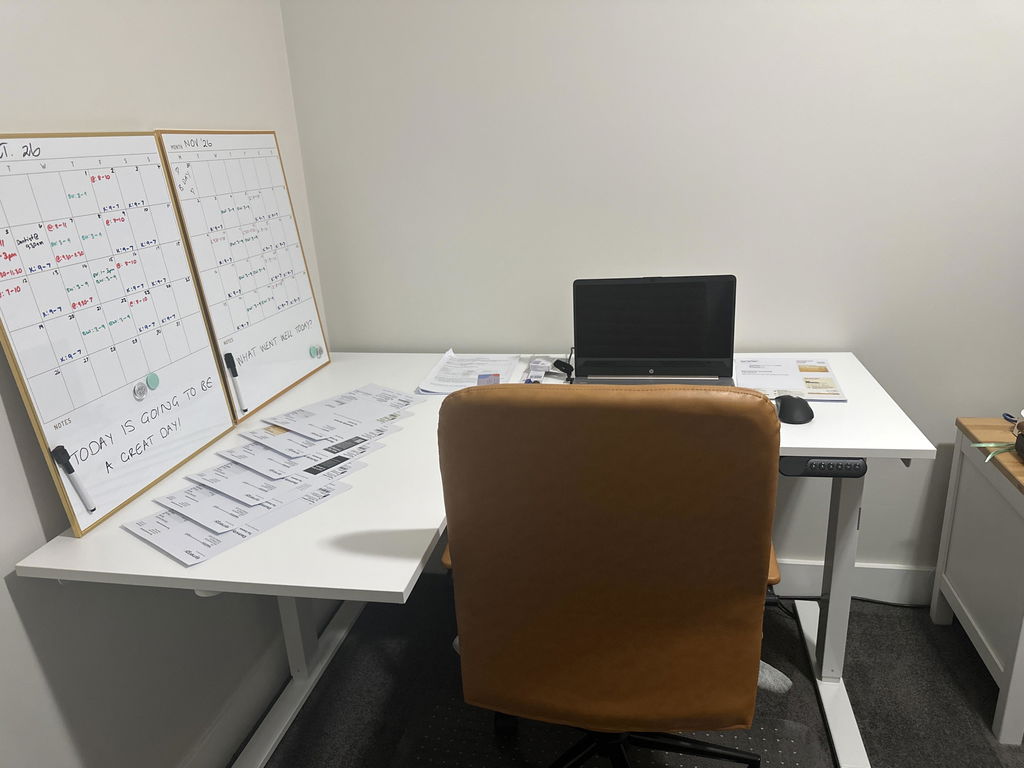
Changing the mouse itself is useful, but where you position it on your desk
matters too.
1
Keep It Close
Position the mouse beside your keyboard so you don't repeatedly reach
your arm away from your body to use it.
2
Relax Your Grip
Rest your hand against the mouse rather than squeezing it tightly while
navigating.
3
Move from the Arm
Where practical, use your forearm and shoulder to guide larger movements
instead of repeatedly pivoting only from the wrist.
A Strong Choice for Everyday Computer Work
Elevate is particularly suited to:
-
Right-handed users
-
Small to medium hand sizes
-
Office and home-office workers
-
Users spending long hours on a computer
-
People experiencing mouse-related fatigue
-
Users wanting quieter mouse buttons
-
Laptop users wanting Bluetooth connectivity
-
Workstations using multiple wireless options
The Right Mouse Depends on the Right Fit
Vertical mice are not one-size-fits-all.
The Elevate is specifically intended for
small to medium right hands. If your hand is much larger,
the controls may feel too close together or the mouse may not adequately
support your palm.
Likewise, if you're left-handed, choose a model specifically designed for
left-hand use rather than trying to adapt this right-handed mouse.
If you're unsure which model suits your hand size, use the
Ask a Question option on this page and our team can help
you compare the ergonomic mice in our range.
Product Details
Mouse Style
Vertical ergonomic mouse
Hand Orientation
Right-handed
Hand Size
Small to medium
Connectivity
Bluetooth or wireless USB receiver
Power
Rechargeable battery
Charging
USB-C cable included
Buttons
Standard controls plus forward and back thumb buttons
Click Style
Quiet-click buttons
Grip
Contoured vertical design with soft-touch grip
Not Sure Which Ergonomic Mouse Is Right for You?
Hand size is one of the most important considerations when choosing a
vertical mouse.
If you're unsure whether the Elevate will suit your hand, use the
Ask a Question option on this page and tell us whether
you're left or right-handed, your approximate hand size and any discomfort
you're currently experiencing.
Our team can help you compare the Elevate with the other ergonomic mice
in our range.
✓
1-Year Full Replacement Warranty
The Elevate Vertical Ergonomic Mouse is backed by a
one-year full replacement warranty. If your mouse
develops a fault within the warranty period, we'll replace it in
accordance with our warranty terms.
A Small Change to One of the Tools You Use Most
If your mouse hand, wrist or forearm feels increasingly tired across the
working day, Elevate gives you a different way to work — with a more upright
hand position, a shape designed for small to medium hands and all the wireless
functionality you need for everyday computer use.