Thumb-controlled precision designed for larger hands
Want Precise Cursor Control Without Constantly Moving the Mouse Around Your Desk?
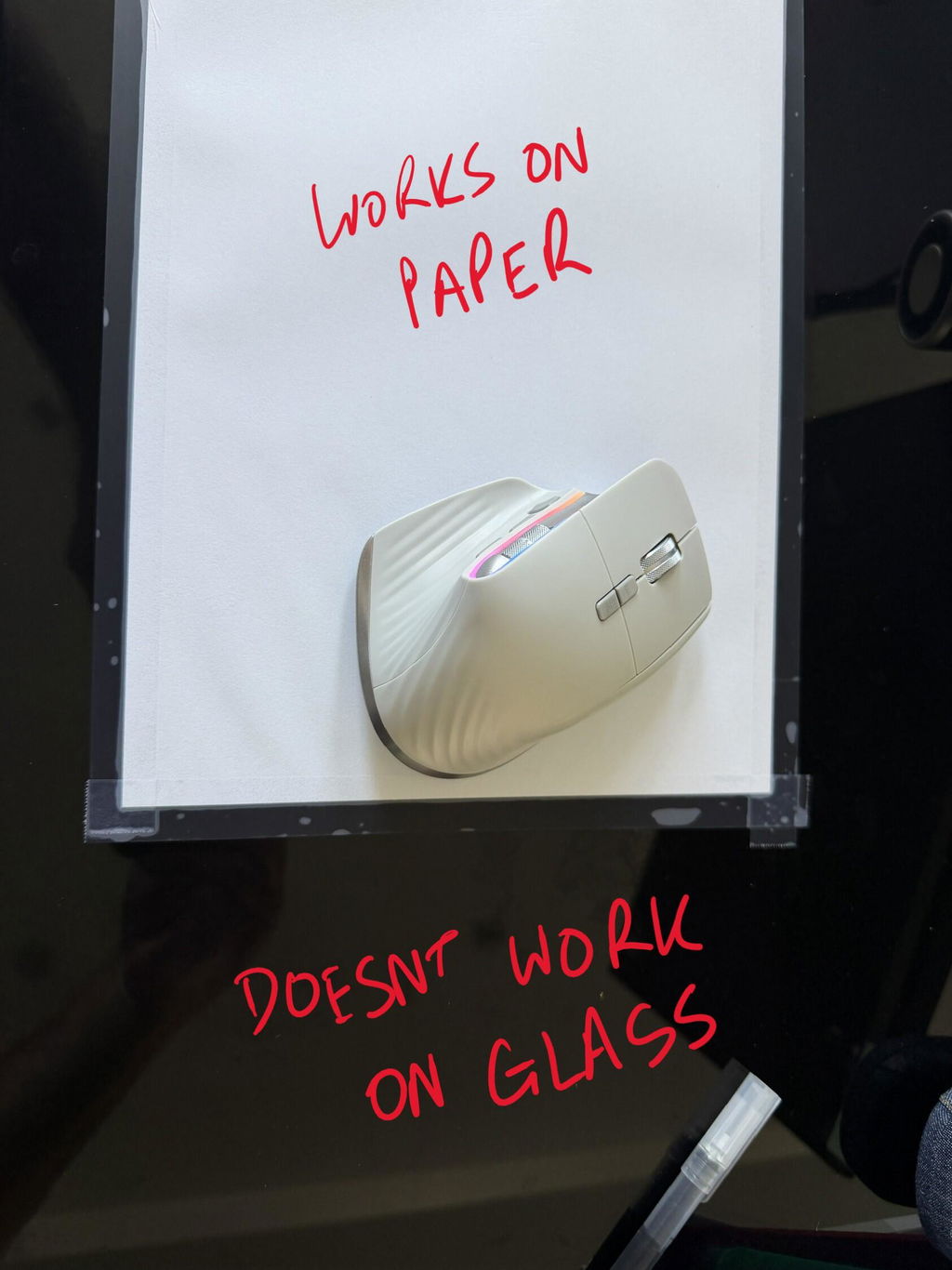
The Jomaa Ergonomic Trackball Mouse lets your thumb
control the cursor while the mouse itself remains largely stationary on
the desk.
Its substantial right-handed shape is designed with
larger hands in mind, giving the palm and fingers a
comfortable surface to rest around while the thumb operates the trackball.
Add five adjustable DPI levels, Bluetooth and wireless USB connectivity,
forward and back navigation buttons and USB-C rechargeable power, and you
have a highly practical mouse for detailed computer work and everyday navigation.
Move the cursor with your thumb while your mouse stays comfortably in one place.
The trackball gives you controlled pointer movement without requiring a
large clear area of desk for repeated mouse travel.
Precise Control in a Comfortable Large-Hand Design
BALL
Thumb-Controlled Trackball
Roll the trackball with your thumb to move the cursor while the body
of the mouse remains stationary on your work surface.
LARGE
Designed for Larger Hands
A substantial right-handed body gives larger hands more surface area
to rest around during everyday computer work.
5 DPI
Adjustable Cursor Speed
Choose from five DPI settings between 200 and 1600 to balance fine
pointer control with faster screen navigation.
USB-C
Rechargeable Power
Recharge the built-in battery via USB Type-C instead of regularly
replacing disposable batteries.
How Does a Thumb Trackball Mouse Work?
With a conventional mouse, you move the entire device across the desk
to control the pointer.
With the Jomaa, your hand can remain positioned around the mouse while
your thumb rolls the integrated trackball.
Small thumb movements move the cursor across the screen while your
fingers remain positioned around the click buttons and scroll controls.
This creates a very different style of cursor control and can be
especially useful where desk space is limited or precise pointer
placement is important.
More Room for Larger Hands to Settle Around the Mouse
Hand size matters when choosing an ergonomic mouse.
The Jomaa is shaped for
right-handed users with larger hands, giving the palm
and fingers room to sit around the mouse while keeping the thumb naturally
positioned beside the trackball.
A well-matched mouse size can make it easier to use the controls without
continually repositioning the hand or gripping the device more firmly than necessary.
Five DPI Settings Let You Choose How the Cursor Responds
The Jomaa provides five selectable cursor-speed settings:
200, 400, 800, 1200 and 1600 DPI.
Lower settings allow smaller, more deliberate cursor movements, while
higher settings let the pointer travel further across the screen from
less trackball movement.
200 DPI
400 / 800 DPI
1200 DPI
1600 DPI
Experiment with the settings rather than assuming the highest sensitivity
will feel best. The ideal setting depends on your screen size, workflow
and preferred amount of thumb movement.
Fine Cursor Control Without Repositioning the Whole Mouse
Trackball control can be particularly useful when you regularly need to
position the pointer accurately.
Instead of moving the mouse, reaching the edge of your usable desk area
and lifting it back into position, you can continue rolling the trackball
beneath your thumb.
Combined with selectable DPI, this gives you useful control over how much
cursor movement comes from each movement of the ball.
Great for Workspaces Where Mouse Room Is Limited
Because the Jomaa does not need to travel around the desk to control the
cursor, it can operate from a relatively small area beside your keyboard.
Compact Desks
Home Offices
Busy Workstations
Multi-Screen Setups
This can also make it easier to keep your mouse close to the keyboard
rather than creating a large dedicated mousing area beside it.
Choose Bluetooth or Wireless USB
The Jomaa offers two convenient wireless connection methods so you can
integrate it into different computer setups.
BT
Bluetooth Connection
Connect directly to a compatible Bluetooth-enabled device without
occupying a standard USB port.
2.4G
Wireless USB Receiver
Use the wireless USB receiver for straightforward connection to a
compatible laptop or desktop computer.
This flexibility makes the mouse easy to incorporate into home, office
and hybrid workstations.
Dedicated Back and Forward Buttons for Faster Navigation
The Jomaa includes convenient backward and forward navigation controls
positioned for easy access during everyday computer work.
These buttons can make web browsing and compatible document workflows
quicker by reducing the need to move the pointer back to on-screen navigation controls.
Available functions can vary slightly depending on the software and
operating system being used.
Recharge with USB Type-C
The Jomaa uses a
built-in rechargeable battery.
When power runs low, simply connect the mouse to a suitable USB Type-C
charging cable rather than replacing disposable batteries.
This makes it convenient for regular desk use as well as users who move
between home and office workstations.
Particularly Well Suited to Detailed, Mouse-Heavy Work
Office Work
Spreadsheets
Design & Detail Work
General Navigation
The combination of thumb control and adjustable DPI makes the Jomaa useful
for both general office navigation and tasks where more deliberate pointer
movement is preferred.
New to a Trackball? Give Your Thumb Time to Learn the Movement
If you have spent years moving a conventional mouse, controlling the
pointer with your thumb will naturally feel different at first.
Start with normal browsing, email and document work, then allow your thumb
to gradually become familiar with controlling direction and distance.
Once the movement becomes familiar, experiment with the different DPI
settings until you find the balance of speed and precision that suits you.
i
A short adaptation period is normal.
Trackball control uses a different movement pattern from a conventional mouse.
Keep the Mouse Close to the Keyboard
One advantage of a stationary trackball is that you can keep it in a
consistent location close to your keyboard.
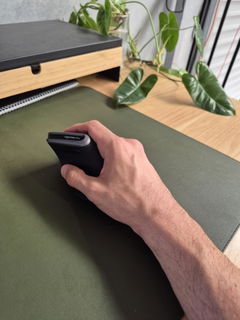
Position the Jomaa where your upper arm can remain comfortably close to
your body and let your hand rest around the mouse rather than gripping it tightly.
1
Position It Close
Place the mouse directly beside your keyboard where it can be reached
without stretching your arm out to the side.
2
Let Your Hand Relax
Allow your palm and fingers to settle around the larger ergonomic body
without unnecessary grip force.
3
Control with Your Thumb
Roll the trackball smoothly and adjust the DPI until cursor movement
feels comfortable and controlled.
A Different Way to Control the Cursor Can Change How You Work
Because the mouse body remains largely stationary, the Jomaa changes the
movement pattern used during computer work.
This may feel more comfortable for some users, particularly when the
device fits the hand well and is positioned close to the keyboard.
Comfort is still influenced by individual anatomy, desk height, keyboard
position, workload and how heavily the mouse is used.
If you are experiencing persistent hand, wrist, forearm or shoulder
symptoms, consider seeking advice from an appropriate health professional.
Product Details
Product Type
Wireless ergonomic trackball mouse
Hand Orientation
Right-handed
Hand Fit
Designed for larger hands
Cursor Control
Thumb-operated trackball
DPI Settings
200 / 400 / 800 / 1200 / 1600 DPI
Connectivity
Bluetooth + 2.4GHz wireless USB receiver
Power
Built-in rechargeable battery
Navigation Controls
Back and forward buttons
Best For
Right-handed users with larger hands who want stationary
thumb-controlled cursor movement, adjustable pointer sensitivity and
flexible wireless connectivity
✓
1-Year Warranty
The Jomaa Ergonomic Trackball Mouse is covered by a
one-year warranty. If a covered fault develops
during the warranty period, we'll work with you to arrange repair or
replacement in accordance with our warranty terms.
Precise Thumb Control in a Mouse Built for Larger Hands
With its large-hand ergonomic shape, thumb-operated trackball, five
adjustable DPI levels, Bluetooth and wireless USB connectivity,
navigation buttons and USB-C rechargeable battery, the Jomaa gives you a
comfortable and highly controllable alternative for everyday computer work.