


Sturdy, non slip and the adjustable settings are so easy to manoeuvre. Excellent product and very happy with the purchase.
Hi Fran, thanks so much for the lovely review! We’re delighted you’re happy with your footrest and find it sturdy, non-slip, and easy to adjust.
Great ergonomic mouse, not too big and is easy to use. It didn't take long at all to get use to the different hand position.
Hi! We're thrilled to hear you're enjoying the Ergo Comfi Mouse and finding it easy to use. Thanks for sharing your positive experience! 😊
Good quality, durable and perfect for my home corner office space
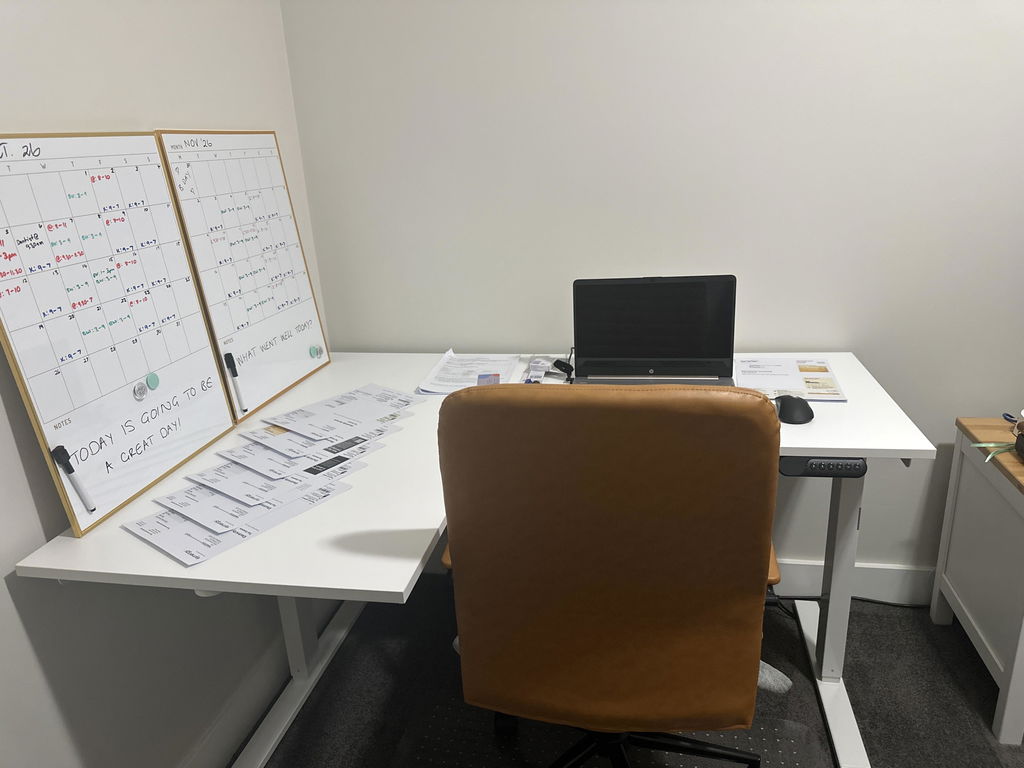
Hi, we're thrilled to hear you're happy with the desk! Thanks for sharing your experience. 😊
I like this cushion. When I unwrapped it I thought the holes for the ishiums were too far apart but they’re pretty good and overall the cushion has relieved the pain I was experiencing while driving my car to a large extent. Very pleased
Hi Randy, we're glad to hear the cushion is helping and that you're pleased with it! Thanks for sharing your experience. 😊
Fantastic support. Tried a cheaper variety which was no good. Highly recommend No More Pain.
Hi Carol, we're thrilled to hear you're happy with your support cushion! Thank you for recommending No More Pain Ergonomics. We appreciate your trust and support!
Nice and comfortable, only thing i can say negative is that it sits a bit high in the car.
We're glad to hear you're comfortable with the cushion. If the height feels too high, we recommend trying to adjust your seat or position for better comfort. Thanks for your feedback! 😊